How do I tell whether the outage was the internet link or the voice line?
By measuring both. In Monitor, the data circuit at each site, the dedicated internet link or broadband, is tracked by an agent installed right there, alongside the test calls to the voice circuits.
Each voice circuit can be linked to its site’s internet link. With the wait-for-the-link option, alerts for that circuit hold while the link has an open outage: your team gets one alert about the link, not one for every voice circuit that runs through it.
What does the agent measure?
| Measurement | What it is for |
|---|---|
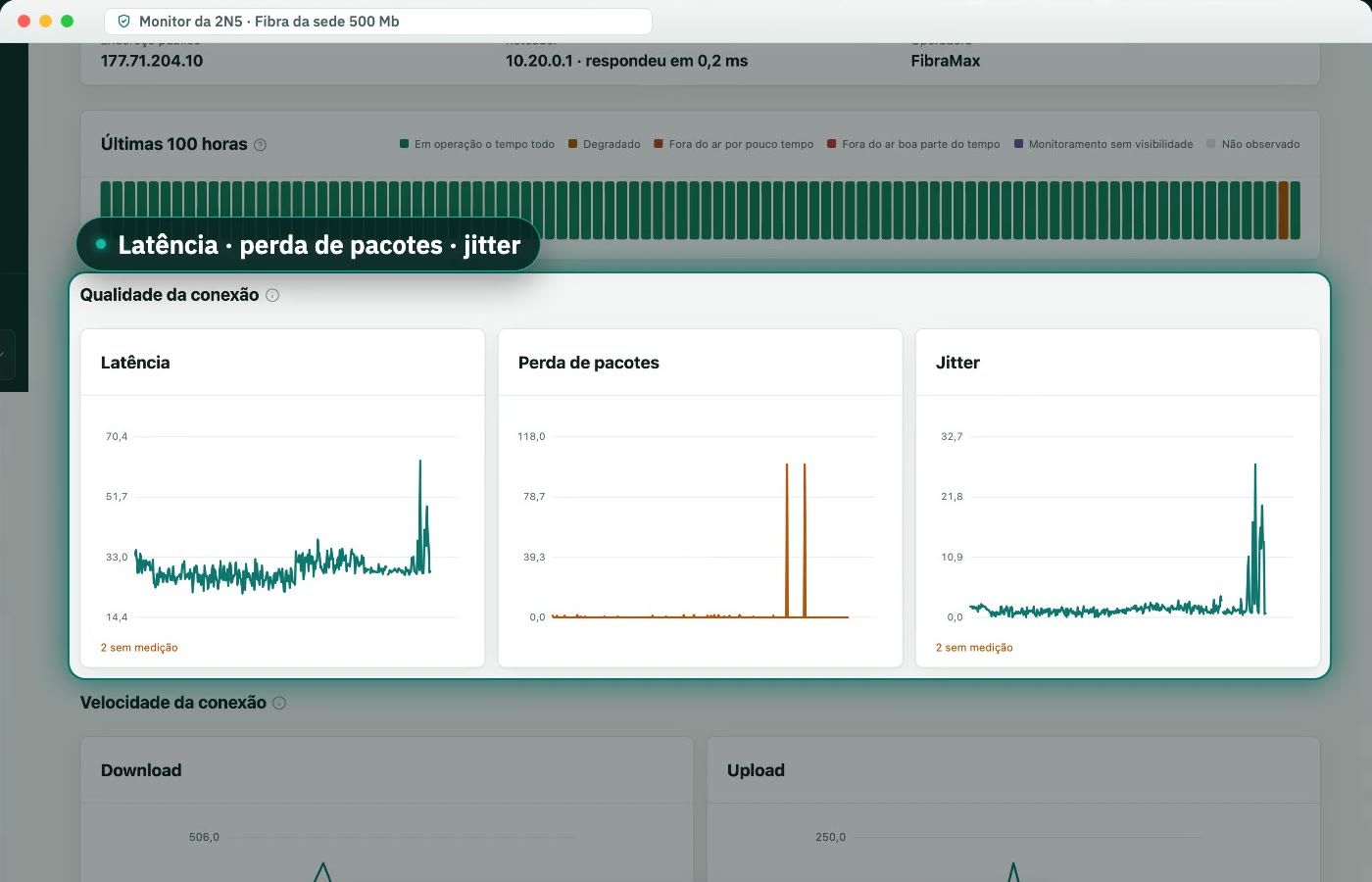
| Latency | Shows delay on the route to the internet |
| Packet loss | Explains choppy audio and dropped calls |
| Jitter | Variation in delay, which ruins voice before it drops the call |
| DNS time | Shows when names do not resolve, even with the network up |
| Speed | The actual speed, to compare with what you pay for |
The measurements appear in charts covering the last 100 hours on each data circuit’s page, and a confirmed link outage opens an incident and climbs the same escalation ladder as the voice circuits.
How is the agent installed?
At your company’s written request, 2N5 installs the agent on a computer at the site, over remote access. It opens no inbound port: it only sends measurements to 2N5. When the site stops being monitored, 2N5 removes the agent itself.
What about a site where the agent cannot be installed?
2N5 tests the link from the outside. At every interval it attempts a connection to the site’s public address, and a series of unanswered attempts is treated as a link outage. It is a simpler check than the agent’s: it tells you whether the site responds, without measuring latency, loss, or speed.
What does the agent never collect?
Files, browsing, traffic content, usernames, programs, Wi-Fi network names, and other devices on the network. The details are in the Privacy Policy.
Frequently asked questions
What does the agent measure?
Latency, packet loss, jitter, DNS response time, and the actual connection speed, plus the CPU and memory usage of the computer it runs on.
Does the agent read my traffic or my files?
No. It never collects files, browsing, traffic content, usernames, installed programs, Wi-Fi network names, or other devices on the network. It only measures the connection.
Who installs the agent?
2N5 does, over remote access, on a computer at the site, after written authorization from your company. You do not download or configure anything.
How long are the measurements kept?
For 13 months, so the yearly reports are complete.